
Traveling with no chaos: how to plan your route with organization and flexibility?
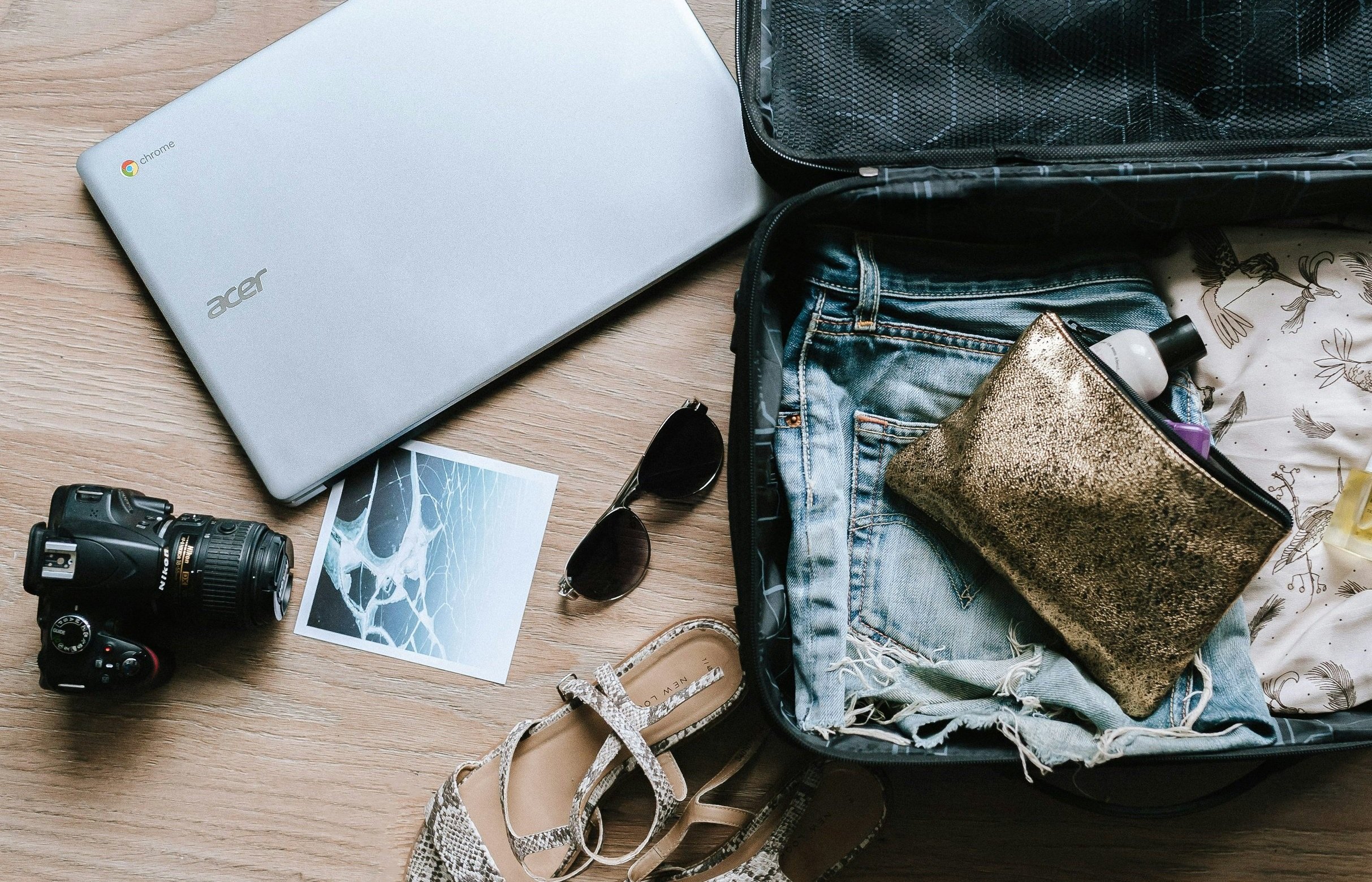
Have you ever come back home from a trip feeling more tired than when you left? Like now you need a vacation from your vacations haha. This is very common and it happens because we try to cover everything by an itinerary that leaves no room for resting, improvise and enjoy calmly.
As a professional organizer, I know that one of the keys to a great trip is not about squeezing all visits and activities in your schedule, but planning with intention for going with an organized flow and dancing between structure and freedom.
In today’s post let me walk your through a practical guide to design your travel route in an organized but realistic and flexible way.
Step 1: define your trip with focus.
Before you open Google Maps or book any hotel, ask yourself:
What is the purpose of this trip? Is it rest, adventure, culture and entertainment, work?
How much actual time do you have each day?
Are you traveling alone or in a group? - Are there children or elderly people?
What can't be missing and what would be a bonus?
This first step helps you prioritize what really adds to your experience. Not everything should go into the plan if it does not fulfill your travel intention.
Step 2: create a flexible itinerary in blocks.
Instead of strict schedules, organize your day by simple blocks of activities. Example:
Morning: cultural walk
Afternoon: lunch and rest
Evening: light or free activity
This keeps you from exhaustion and allows you to have more space for unexpected changes: weather, traffic, desire to slow down or staying longer in one place.
Extra Tip: leave at least one free morning or afternoon for every 3 days of travel.
Step 3: concentrate all information in one place.
Once you have your plan, pull all the important stuff together:
Flights, trains and transportation
Addresses and maps
Tickets or reservations
Visit, check-in and check-out schedules
Digital copies of documents
Use a digital folder in the cloud (Google Drive or Dropbox) for easy access, and maybe print out a few key things if you’re traveling abroad.
Step 4: Lean on useful and lightweight apps.
These tools can make your trip smoother and easier to manage:
Google Maps for saving starred locations, downloading offline maps and calculating commute times. Here is a guide for how to use Google Maps offline: Download areas & navigate offline in Google Maps - iPhone & iPad - Google Maps Help
Sygic Travel (or ViaMichelin): allows you to view routes with estimated times, nearby locations and points of interest.
TripIt: creates automatic itineraries from your bookings and it is if you have many flights or hotels.
Booking or Airbnb: useful not only for bookings but also for checking in/out schedules and host recommendations.
PackPoint: generates customized packing lists based on your destination, weather and type of travel.
Step 5: Plan your days but leave room for surprises.
Remember: the best organization is the one that is adaptable, a good plan is not carved in stone. If you fall in love with a place and want to stay longer, allow yourself to enjoy it.
Include flexible booking activities or no cancellation penalty. And leave some spots on your calendar for "doing nothing" or simply improvise.
Final thoughts: less stress, more enjoyment and better experiences. Traveling with organization doesn't mean rigidity. It means having clarity to keep the simplicity of your journey, for a smooth and fun trip that does not exhaust you.
With a realistic and flexible itinerary plus the right tools, you can focus on what matters the most: living the experience to the fullest at your own pace and preferences.
For more ideas and suggestions check on this post:
Traveling Lightly & Being Grounded in the Middle of Chaos - Zen Habits Website
Hoping you have found these suggestions very helpful and your next trip can prove it :)